So you’ve replaced the tiny plastic built-in lens with high-quality external glass. But together with increased sharpness, full aperture/focal-length control, and amazing low-light performance - you suddenly got a purple tint as a bonus?
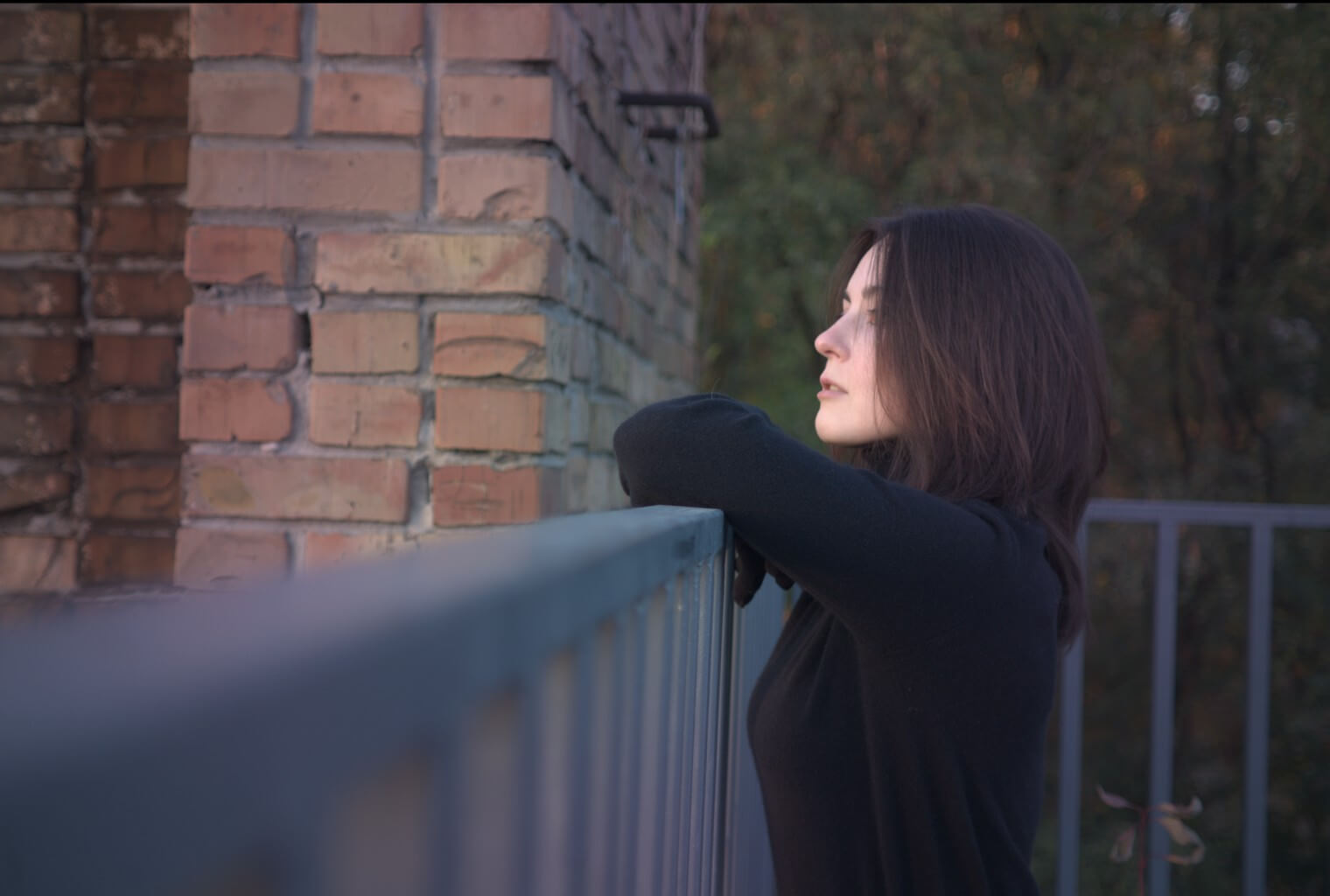
That’s because the phone is still applying Lens Shading Correction calibrated for the original lens, which no longer matches the new way light reaches the sensor. So let’s take a quick look at the relationship between them through the angle of incoming light: how phone manufacturers handle it, and how we address it in custom lens mods.
Optical workarounds
Camera lens geometry naturally makes the image brighter and sharper at the center, where light travels along a more direct path. As you move toward the edges, light hits the sensor at steeper angles - this increases vignetting, chromatic aberration, and can even change the effectiveness of the IR-cut filter.
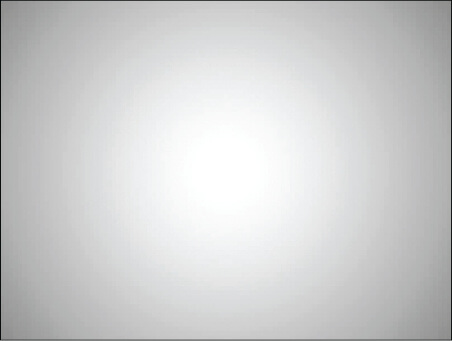
To manage these issues, modern photo cameras and editing software apply built-in correction profiles for popular lens models. But smartphones require a more complex approach of designing specialized lens elements to compensate for the tiny size restriction and ultra-short distance to the sensor. That’s why they cover pixels with shifted microlenses, helping them capture scarce off-axis light.
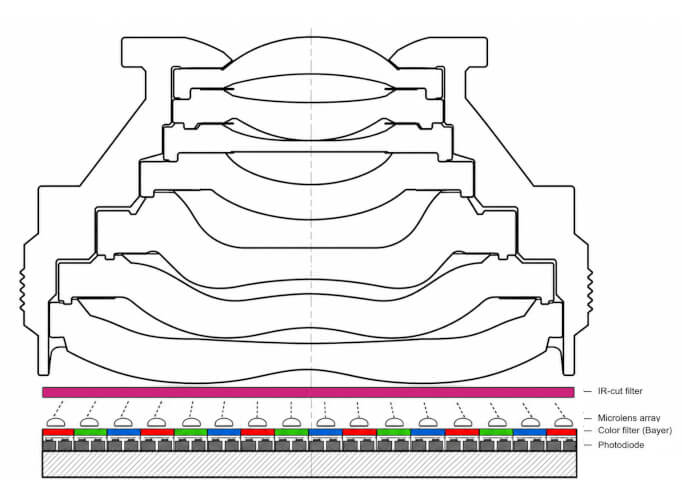
Finally, the Lens Shading Correction (LSC) profile values are baked into the Image Signal Processor (ISP) pipeline and fine-tuned for each specific device, addressing tiny alignment differences that can occur during production.
Replacing that tiny lens with a much larger and brighter one can significantly change the angles at which light hits the sensor, yet the phone still applies corrections designed for the original lens. This mismatch can lead to visible distortions like a prominent purple tint around the center of the image. Thankfully, that’s a much easier challenge to overcome than original engineers were facing - because getting too much light is easier to fix than getting not enough light.
The root fix: patch the system
The first solution requires root: just generate a Magisk patch for your specific device. It works by analyzing the color distortion of a white background photo sample you provide and updating the LSC values in your ISP system binaries. This approach works system-wide so it doesn’t require post-processing and gives you the freedom to use any camera app.
It took me some time to reverse-engineer these binaries and build the patch generator from scratch. Phone manufacturers use proprietary software for this purpose. It is hidden behind a corporate access wall, and works only if you provide rare XML config files which they typically don’t release to the public. However, my tool is available for everyone and easy to use. You can always help me cover server costs and accelerate the development of new features.
The camera app route (no root)
Now, let’s say you don’t want to root the phone. The next option is to use a custom Android camera app developed specifically for modded phones. It provides greater control over image processing parameters, including Lens Shading Correction.
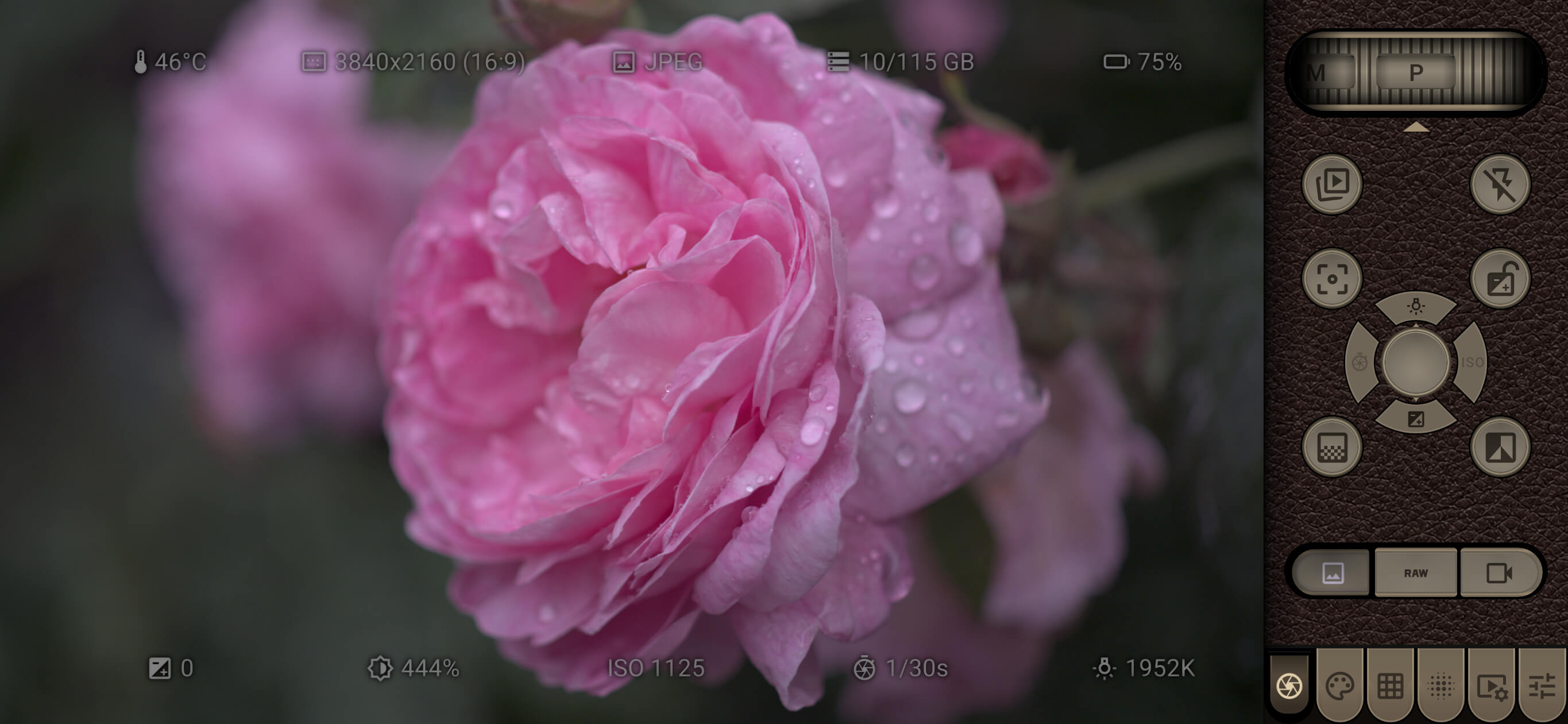
It also has convenient manual shooting overlays, adjustable Multi-Frame Noise Reduction (MFNR), and other advanced settings that aren’t available in standard camera apps. If you’ve used a dedicated camera before, the controls should feel familiar from the first shot.
Fix it in post
If you don’t want to root the phone or betray your favourite camera app - you can still shoot in lossless RAW format (which retains all sensor data and allows extensive editing without degrading image quality) and then fix the footage later during post-processing. I recommend MotionCam Pro because it supports RAW video recording. It’s also crucial to lock exposure and white balance to keep the footage consistent throughout the video. Finally, export it as a DNG sequence, making it ready for correction in post.
1. Flat-field correction
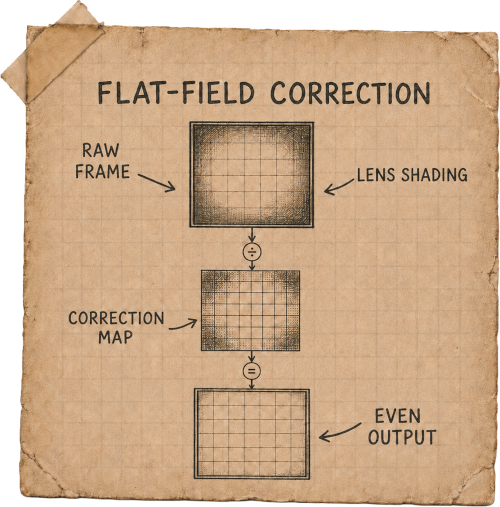
You can read a detailed explanation on Adobe’s website, but to keep it short: just take a photo of a plain white background to capture color shading and vignette distortion. And then use this photo as a correction profile in Lightroom or RawTherapee.
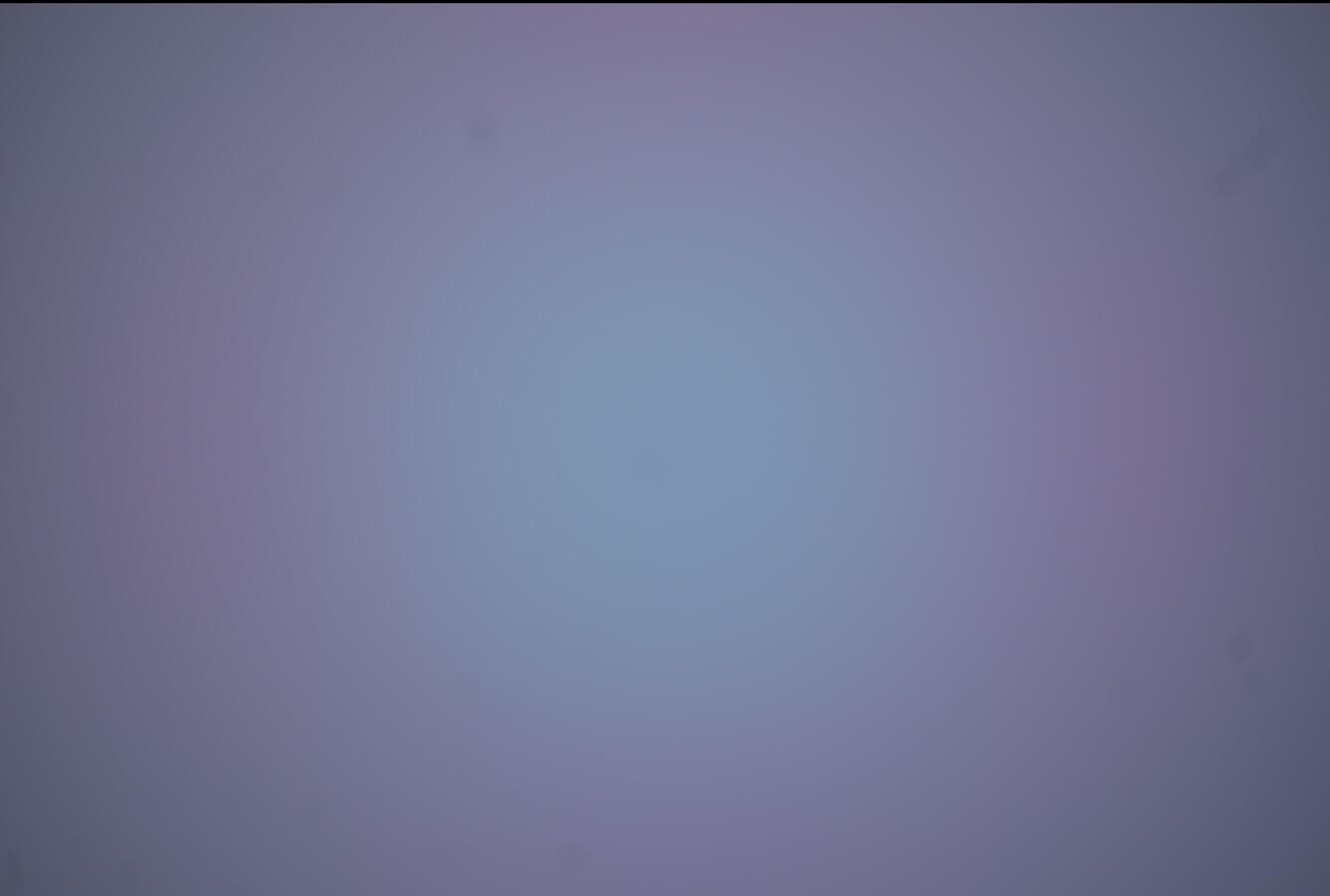
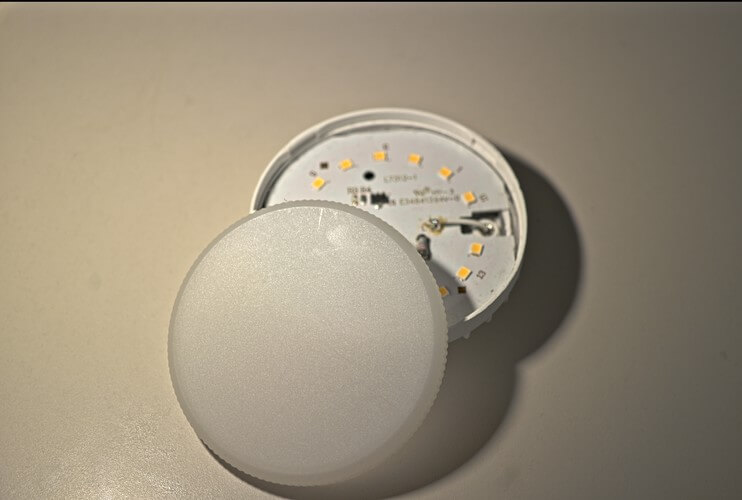
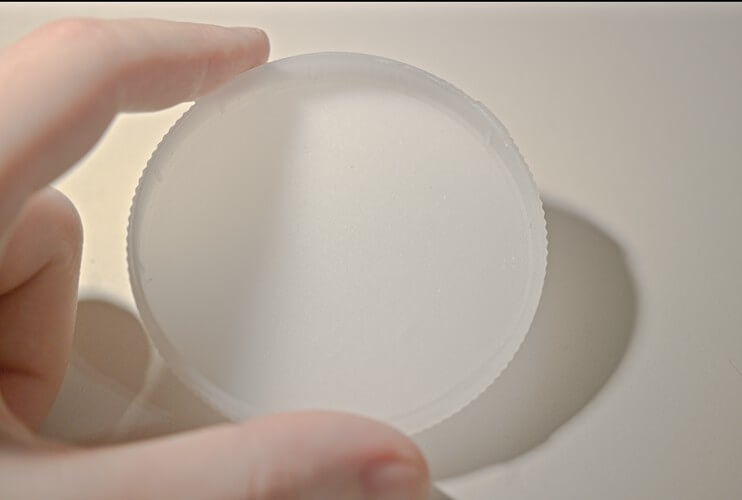
Adobe recommends taking this calibration frame with the same optical setup for the best results. So I’ve developed a habit of carrying a round, half-transparent white plastic cover of a GX53 LED light and placing it over the lens for just a moment to embed the calibration frame directly into the video.
Usually, this profile can be reused for similar shots, especially when the lens and aperture settings stay the same. The downside of this method is that it doesn’t fix lens geometry distortion. While it’s not a major issue for most lenses (except ultra-wide models), you might still need to correct it manually in your photo editing software.
2. Lens Correction Profiles
That’s why the second post-processing method is superior, although it takes more initial effort to set up. LCP can correct color shading, vignetting, geometry, and even chromatic aberration all at once.
Long story short, you print out a checkerboard pattern on paper, or display it on a laptop or TV screen, then shoot a sequence of reference images. The Adobe Lens Profile Creator app converts those into a correction profile you can apply to your DNG.
Exporting the corrected footage
Both methods of correction in post are widely used by photographers, especially when adapting vintage lenses to modern cameras. No matter which one you choose, the final step for video footage is exporting the corrected frames as a TIFF or PNG sequence, so you can import them into your preferred video editing application. Personally, I use the free version of DaVinci Resolve for its powerful color grading capabilities.
Now you know
Whether you decide to patch your system binaries globally, use my camera app, or correct your footage in post - you now have the knowledge and tools needed to mitigate the purple tint issue. If you find this helpful, please consider supporting the project, every contribution fuels new tools, video tutorials, and experimental builds. I’m planning to improve the custom camera app functionality, explore Type-C motorized lens control possibility, and much more. There are already plenty of inspiring modding projects shared in our Discord community, so join us, and let’s push smartphone modding further than ever!